
Login & Mobile App
Your Front Office System is now being built.
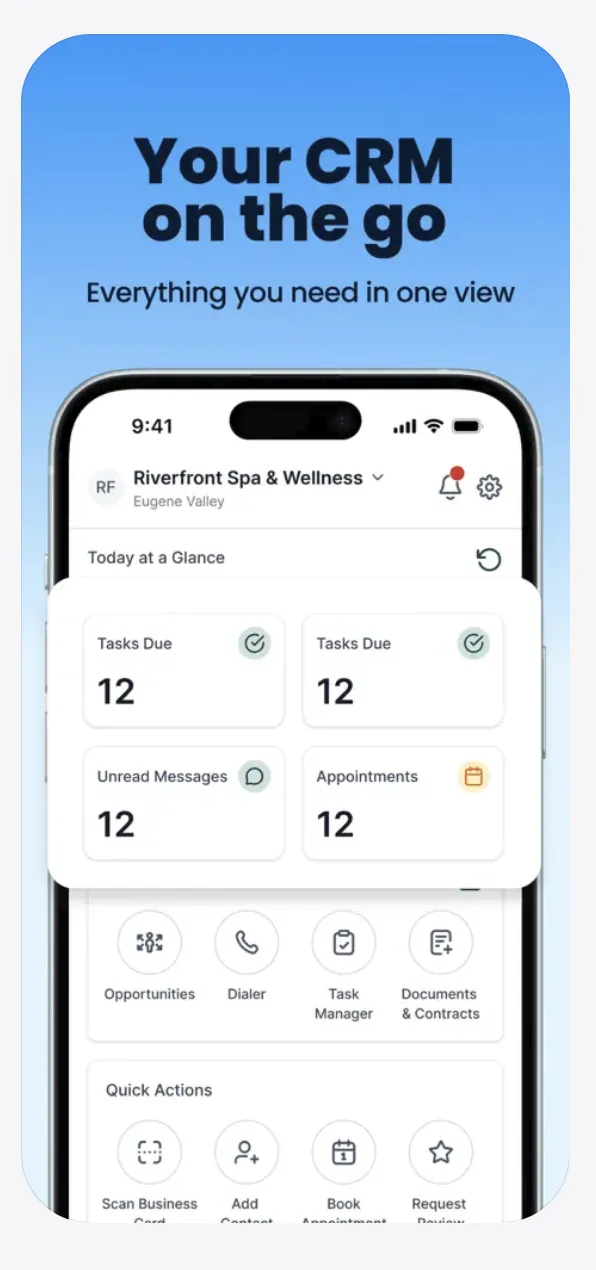
In this step we'll give you access to your CRM dashboard so you can view leads, appointments, messages, and customer activity from anywhere.
ℹ️ Important
SMG Digital will create your account using the email address you provided in Step 1.
Watch for an email titled:
Activate Your Account | SMG Digital
Please check your Inbox, Promotions, Spam, and Junk folders.
Watch This First
This short video shows:
• How your CRM account is created
• What activation email to look for
• How to create your password
• How to download the mobile app
• How to log into your dashboard
Step 1.
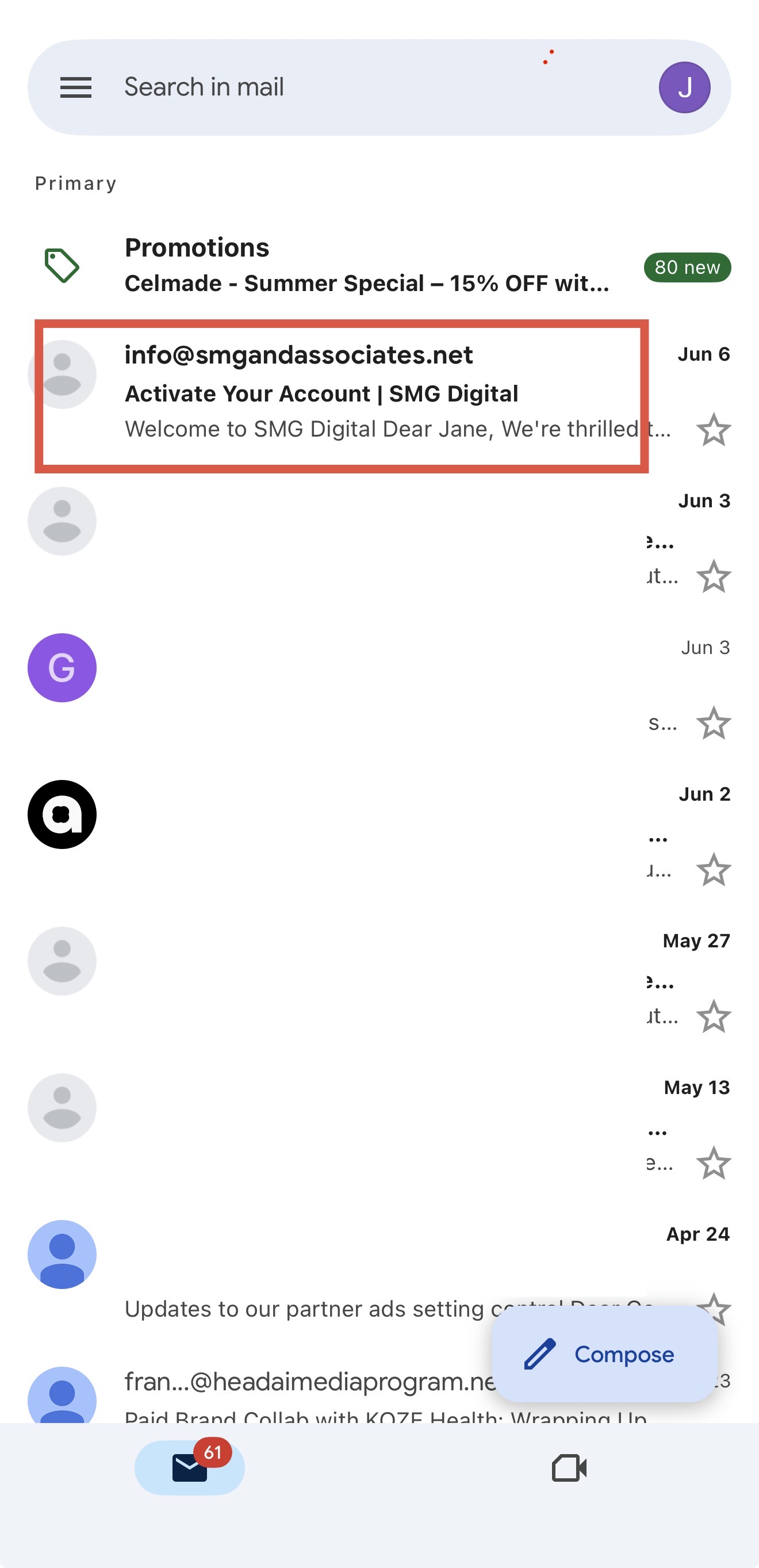
Find Your Activation Email
You will receive an email similar to the example shown in the video.
Look for ...
" Activate Your Account | SMG Digital"
Step 2.
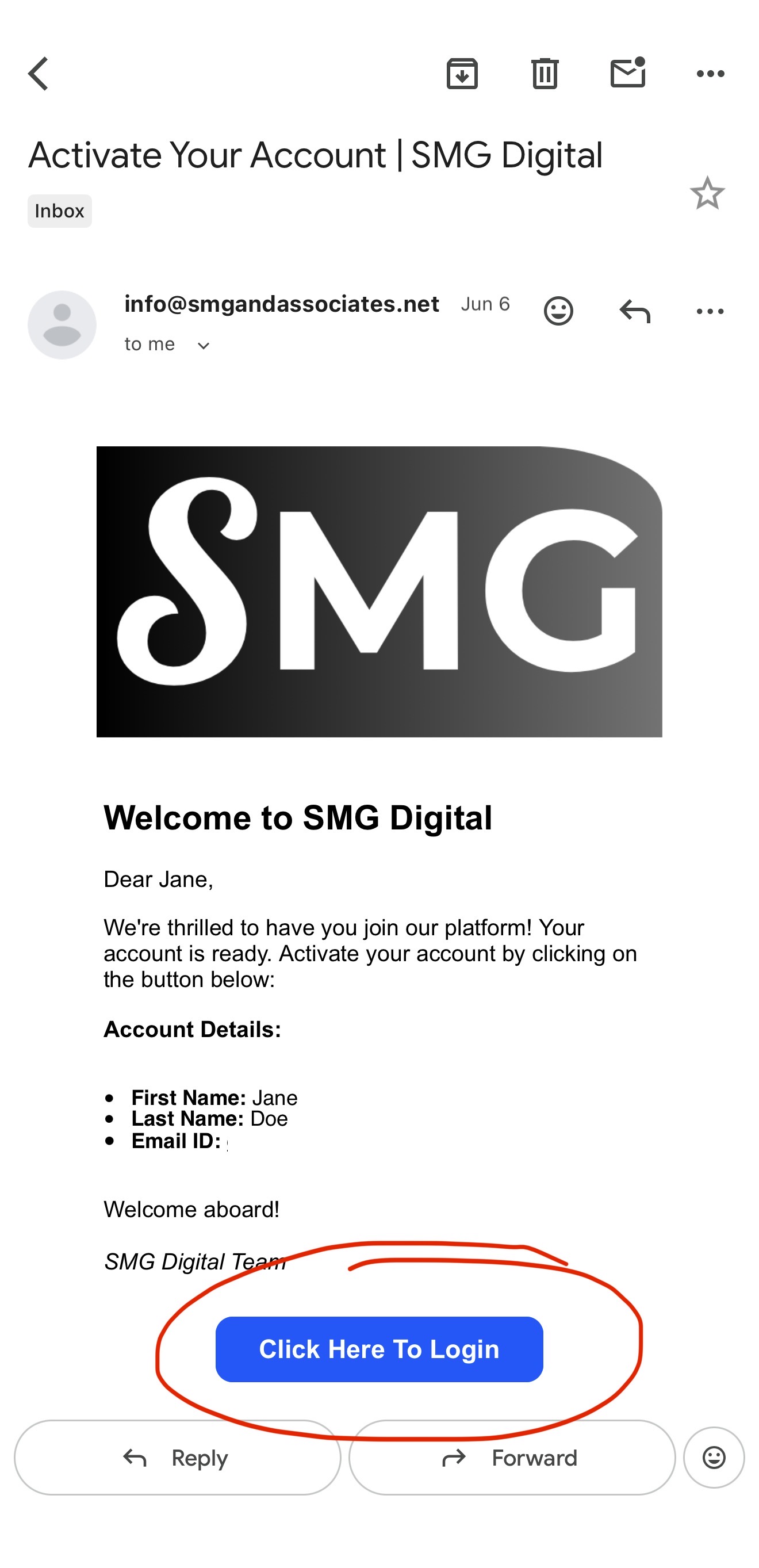
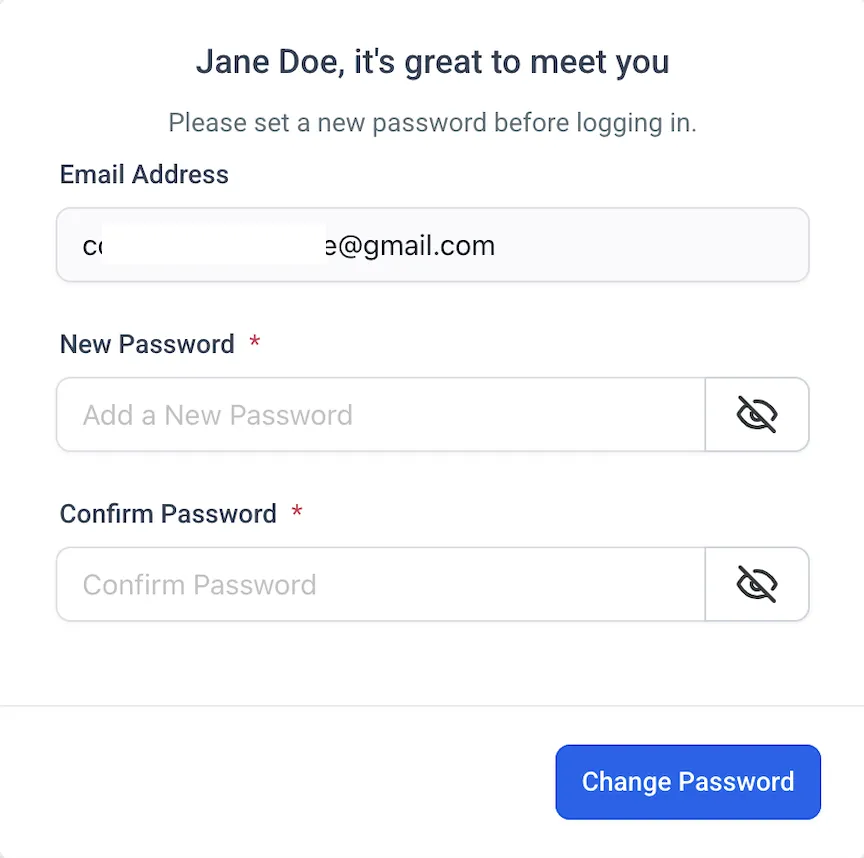
Create Your Password
Click the activation link inside the email.
Create your password and save it somewhere secure.
⬇️
Step 3.
Download The Mobile App
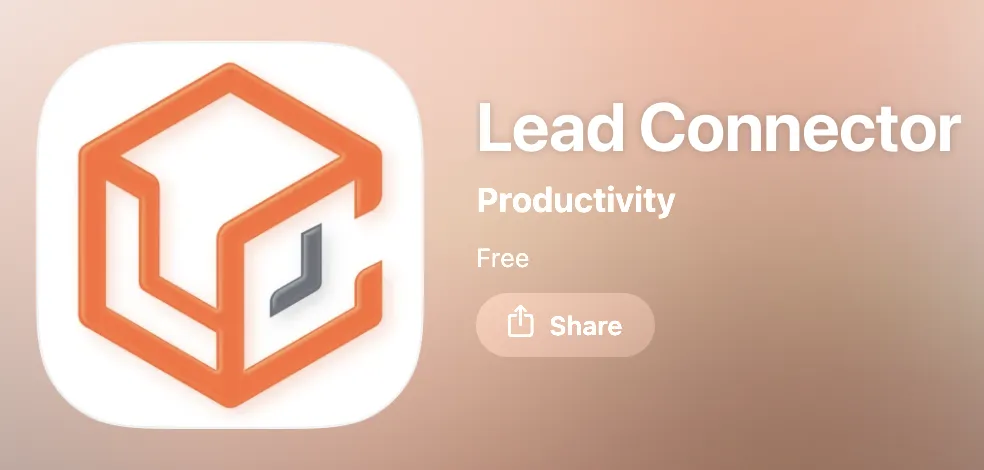
Download Lead Connector for iPhone
Download Lead Connector for Android
Step 4.
Log Into Your CRM
Open the Lead Connector app.
Log in using:
• Email address from Step 1
• Password you just created
Outcome
You now have access to:
✅ Leads
✅ Conversations
✅ Appointments
✅ Reviews
✅ Contacts
✅ Mobile CRM Access
Copyright: © 2026 SMG Digital Advertising LLC -
All Rights Reserved
Login & Mobile App
Your Front Office System is now being built.
In this step we'll give you access to your CRM dashboard so you can view leads, appointments, messages, and customer activity from anywhere.
ℹ️ Important
SMG Digital will create your account using the email address you provided in Step 1.
Watch for an email titled:
Activate Your Account | SMG Digital
Please check your Inbox, Promotions, Spam, and Junk folders.
Watch This First
This short video shows:
• How your CRM account is created
• What activation email to look for
• How to create your password
• How to download the mobile app
• How to log into your dashboard
Step 1.
Find Your Activation Email
You will receive an email similar to the example shown in the video.
Look for ...
" Activate Your Account | SMG Digital"
Step 2.
Create Your Password
Click the activation link inside the email.
Create your password and save it somewhere secure.
⬇️
Step 3.
Download The Mobile App
Download Lead Connector for iPhone
Download Lead Connector for Android
Step 4.
Log Into Your CRM
Open the Lead Connector app.
Log in using:
• Email address from Step 1
• Password you just created
Outcome
You now have access to:
✅ Leads
✅ Conversations
✅ Appointments
✅ Reviews
✅ Contacts
✅ Mobile CRM Access